

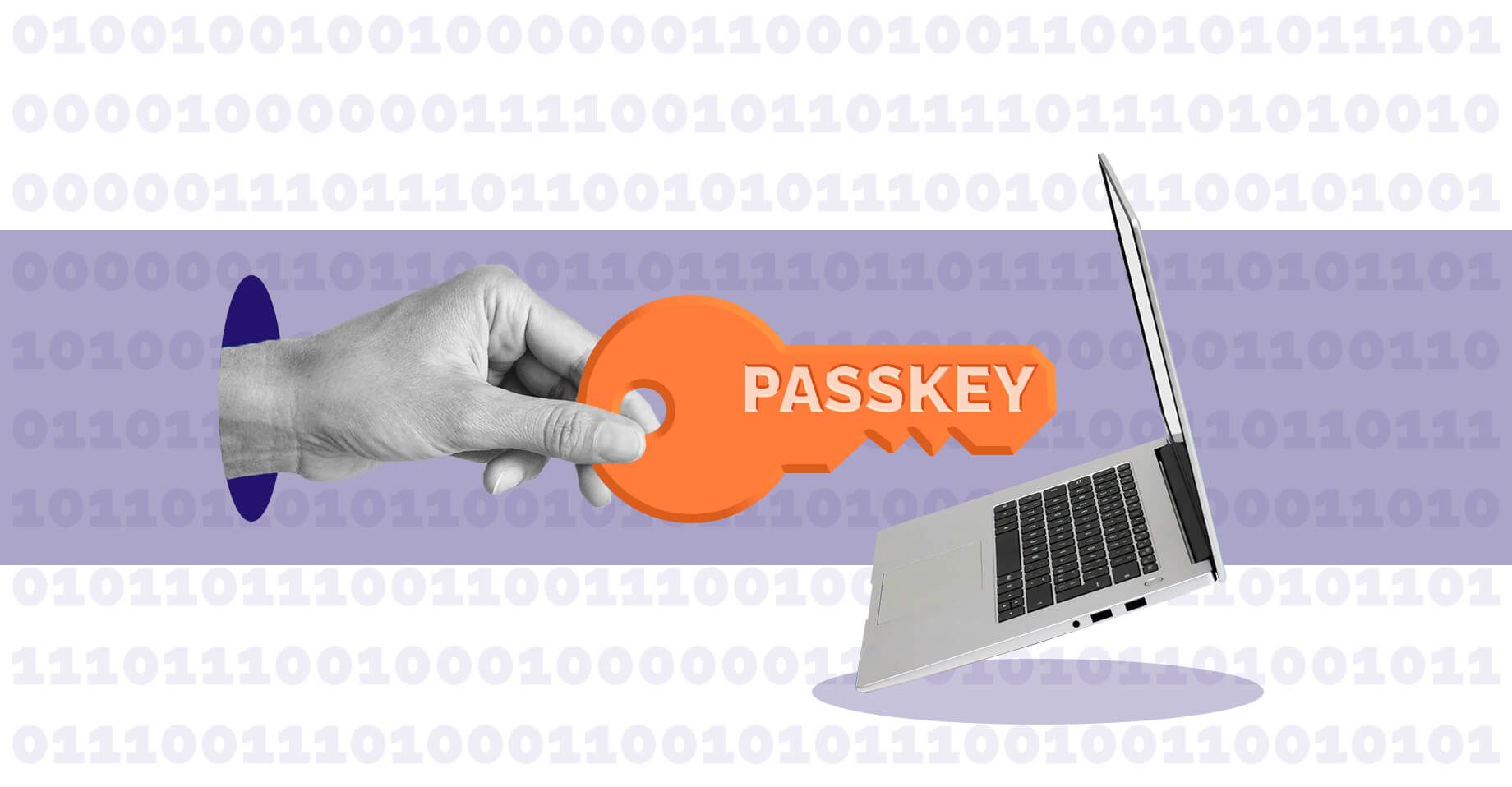
Lately, it seems like every time we sign in to something, we're being asked to set up a passkey. What's that all about?
Companies like Microsoft, Google, Apple, Amazon, and many financial institutions are moving toward passkeys as a replacement for passwords and text message verification codes. As online threats continue to evolve, passkeys are quickly becoming the new standard for secure sign-ins.
So, what is a passkey, and do you actually need one?
What's a Passkey?
A passkey is a secure way to sign in to an account without needing to remember a password.
Instead of entering a password and then waiting for a verification code, you use something you already use to unlock your device, such as:
- Your fingerprint
- Facial recognition
- Your device PIN
- A physical security key (like Yubikey)
- A password manager (like Bitwarden or Proton Pass)
Passkeys are designed to be both easier to use and more secure than traditional passwords. They use cryptographic technology that helps protect your account even if a cybercriminal creates a convincing fake login page. Microsoft specifically identifies passkeys as a "phishing-resistant" authentication method.
Why Are Passkeys Becoming So Popular?
For years, passwords have been one of the weakest parts of online security.
People often:
- Reuse passwords across multiple accounts
- Choose passwords that are easy to guess
- Fall victim to phishing emails and fake websites
- Share passwords accidentally
Many organizations introduced text message verification codes as an extra layer of protection, but those methods are becoming less effective as attackers develop new ways to intercept or steal them. Microsoft notes that SMS and voice verification are increasingly vulnerable to phishing, SIM-swapping, and other account takeover techniques.
Passkeys help solve many of these problems by removing the need for passwords altogether.
Are Passkeys Safe?
In general, yes.
No security method is perfect, but passkeys offer several advantages:
- They can’t be guessed like a password.
- They’re much harder to steal through phishing scams.
- They’re tied to your device (unless you’re using a password manager, and then they’re tied to that software).
- They don’t rely on text messages that can be intercepted.
Perhaps most importantly, they're often easier for users. Most people already unlock their phone or computer dozens of times a day, so using the same process to access online accounts feels familiar and convenient.
Do I Have to Use One?
Not necessarily today, but you'll likely encounter passkeys more often in the coming years.
Many online services still support passwords and other sign-in methods. However, the technology industry is steadily moving toward passkeys because they provide stronger security with less effort for users. Companies are increasingly encouraging users to register passkeys whenever they sign in.
For most people, using a passkey will soon be as normal as unlocking a smartphone with a fingerprint or face scan.
What If I Lose My Device?
This is one of the most common concerns.
Most major technology providers synchronize passkeys securely across trusted devices linked to your account. Recovery options vary by platform and service, but losing a phone does not automatically mean losing access to every account.
That said, it's always a good idea to review the recovery options available for important accounts and ensure you have more than one trusted device or recovery method configured.
Why Microsoft Is Making This Change
One example of this industry-wide shift comes from Microsoft.
Microsoft recently announced that passkeys will become the default authentication experience for users who currently rely on SMS or voice verification in Microsoft Entra ID. Beginning 1 September 2026, affected users will start receiving prompts to register passkeys. Microsoft-provided SMS and voice authentication services will then be retired on 1 February 2027.
According to Microsoft, the change is intended to improve protection against phishing and account compromise by moving organizations toward stronger authentication methods.
For businesses using Microsoft 365, this means now is a good time to:
- Review how employees sign in
- Identify users who still rely on SMS verification
- Educate staff about passkeys
- Plan a gradual transition before the 2027 deadline
How IT Horizons Can Help
Authentication technology continues to evolve, and it can be difficult to know which changes require action and which can wait.
Our team can help you:
- Review your current Microsoft 365 security setup
- Assess your authentication methods
- Plan a smooth transition to passkeys
- Configure secure sign-in options
- Train staff in plain language
- Strengthen your overall cybersecurity posture
The goal is simple: make it easier for your team to stay secure without making technology harder to use.
The Bottom Line
Passkeys are becoming the new standard for secure sign-ins across the internet. They reduce reliance on passwords, provide stronger protection against phishing, and offer a faster, simpler user experience.
You don't need to panic the next time a website asks you to create one. In most cases, it's simply part of a broader effort by technology companies to make online accounts safer and easier to use.
And with major providers like Microsoft already setting retirement dates for older authentication methods, passkeys are likely here to stay.
Would you like to chat with our team? Reach out to us:
Call 780-833-2566Email This email address is being protected from spambots. You need JavaScript enabled to view it.
Online Contact | IT Horizons

